Dual-band 1200-megabit wireless relay router
- 全球免費送貨
- 現貨,可立即出貨
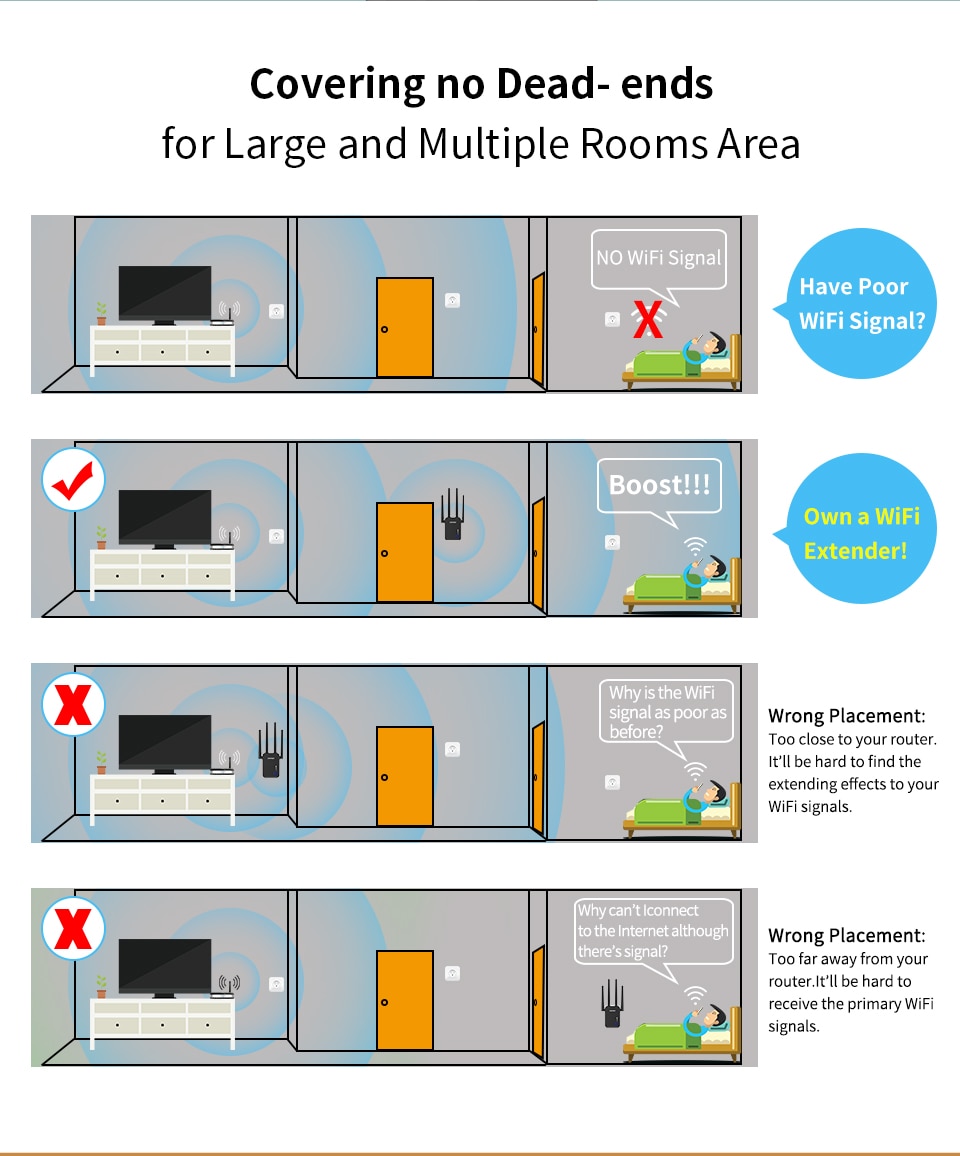
1200 WiFi AP / Router - Easily eliminate Wi-Fi dead zones and easily cover Wi-Fi
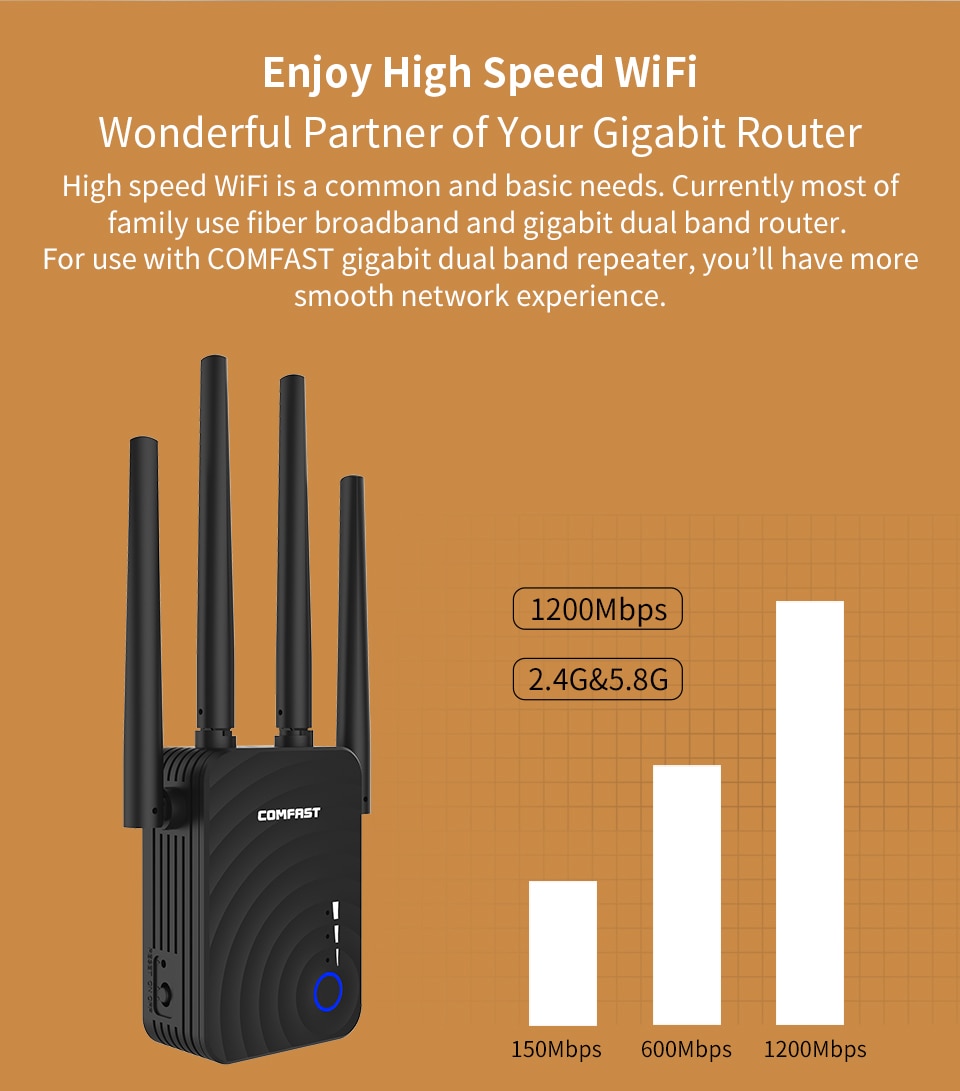
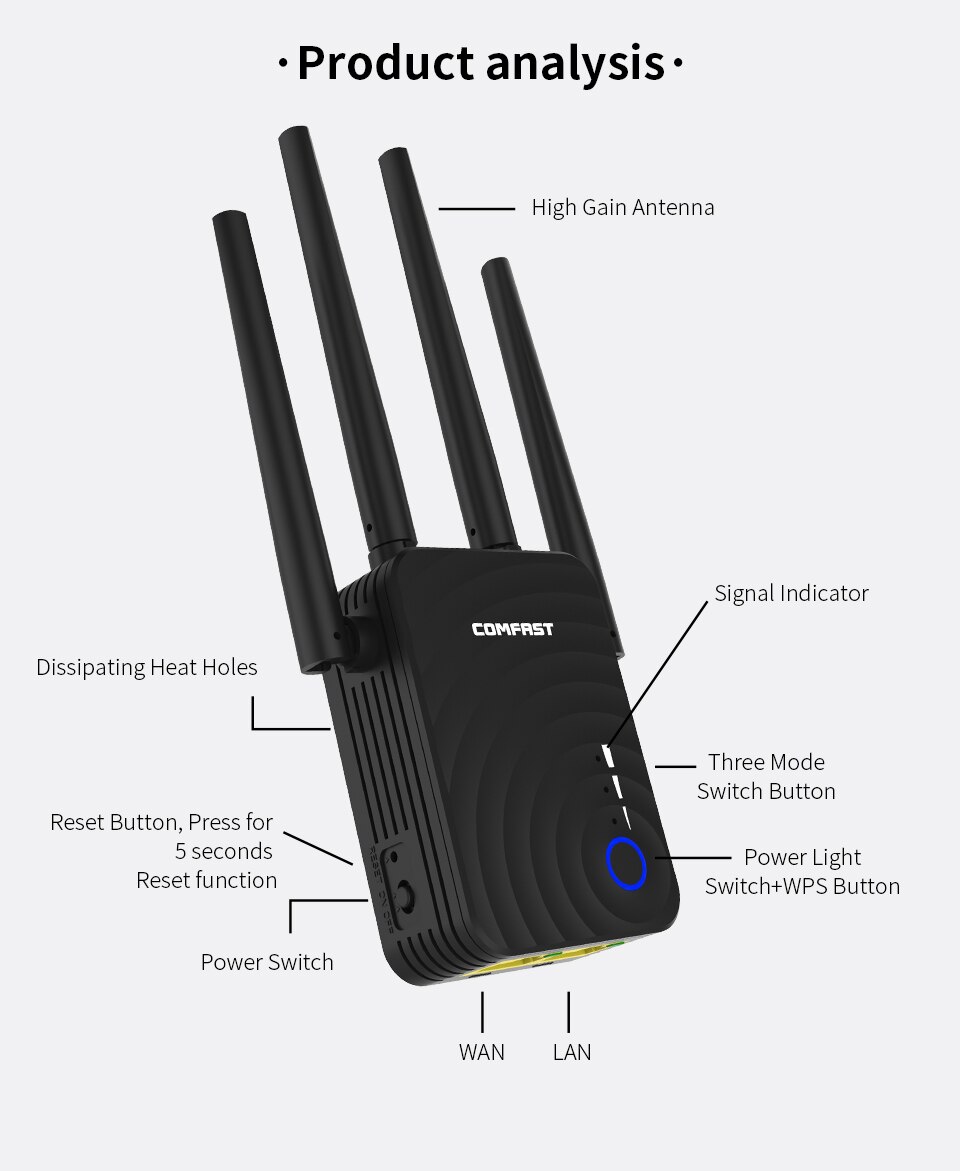
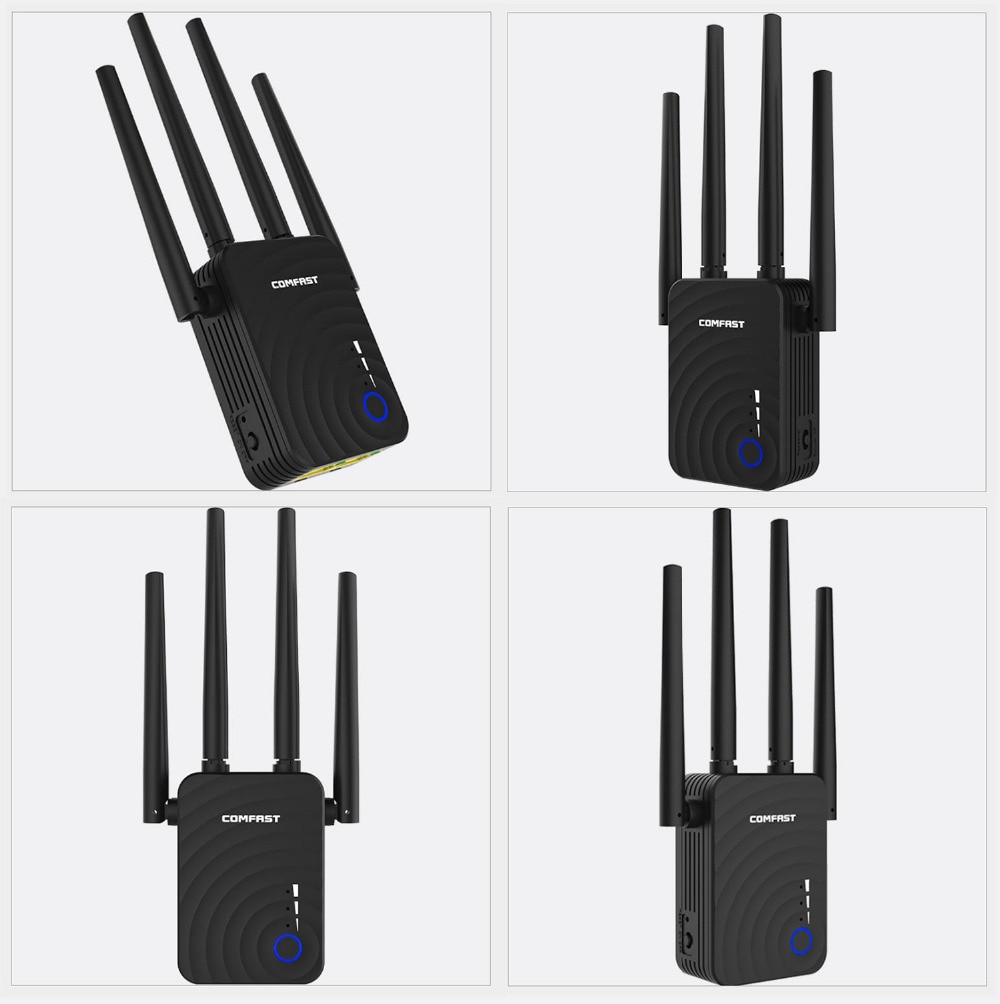
High-performance antenna: 4x 3dBi high-performance antenna for better wireless performance and transmission speed.
It is mainly used to provide free Wi-Fi services in large areas such as factories, communities, and streets.
more details
1. Press the WPS button to easily implement wireless security encryption
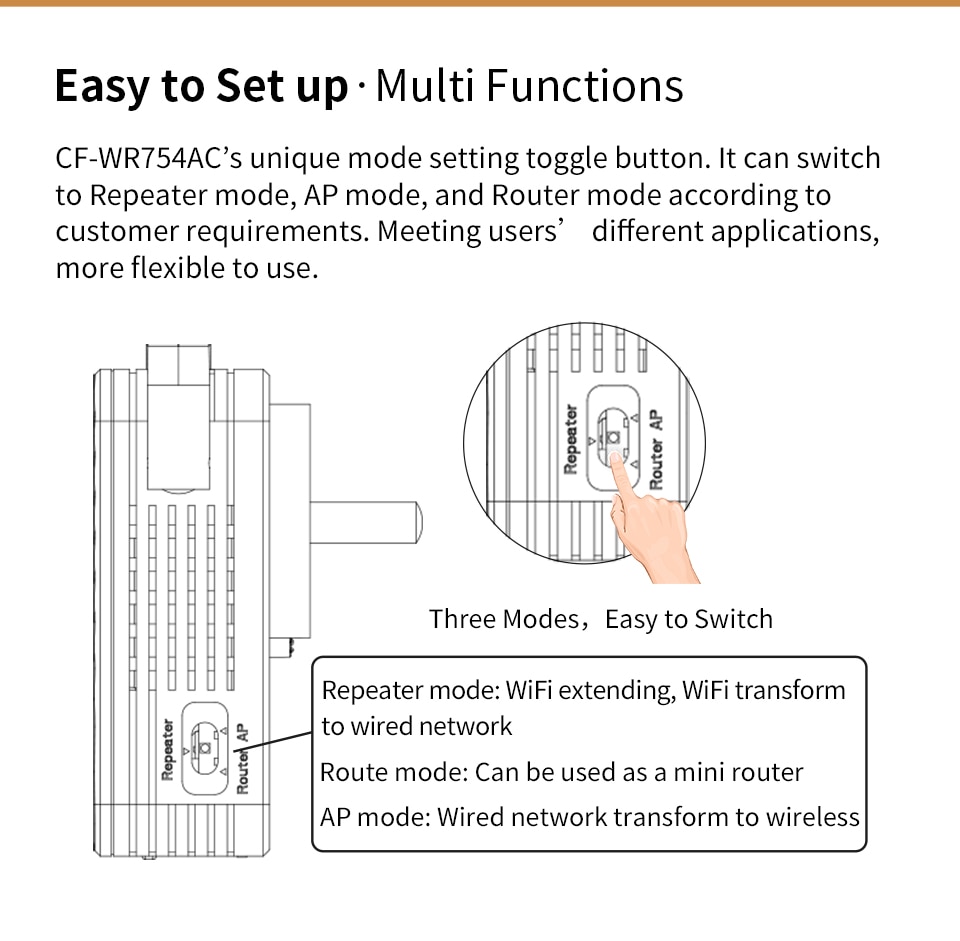
2. Function selection button - Multi-function operation selection, bring you special network conditions
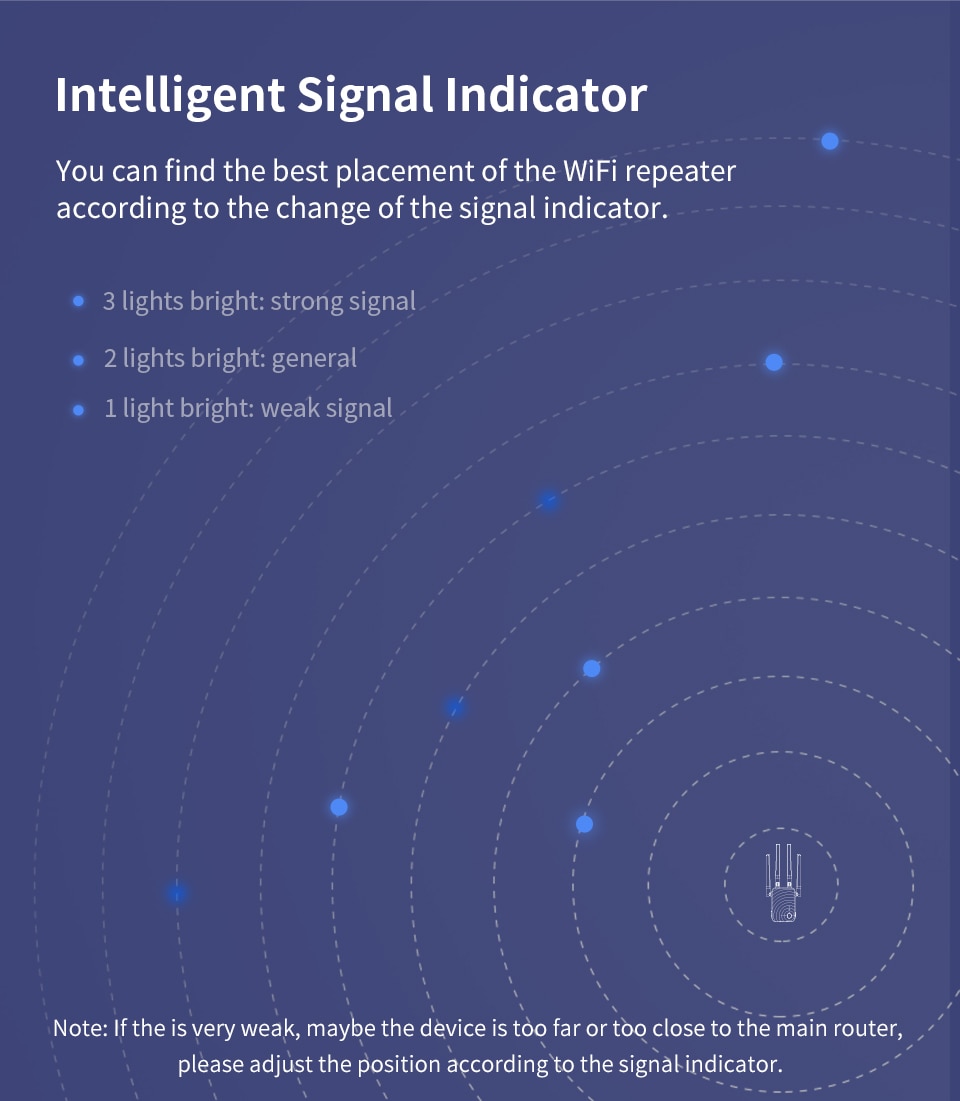
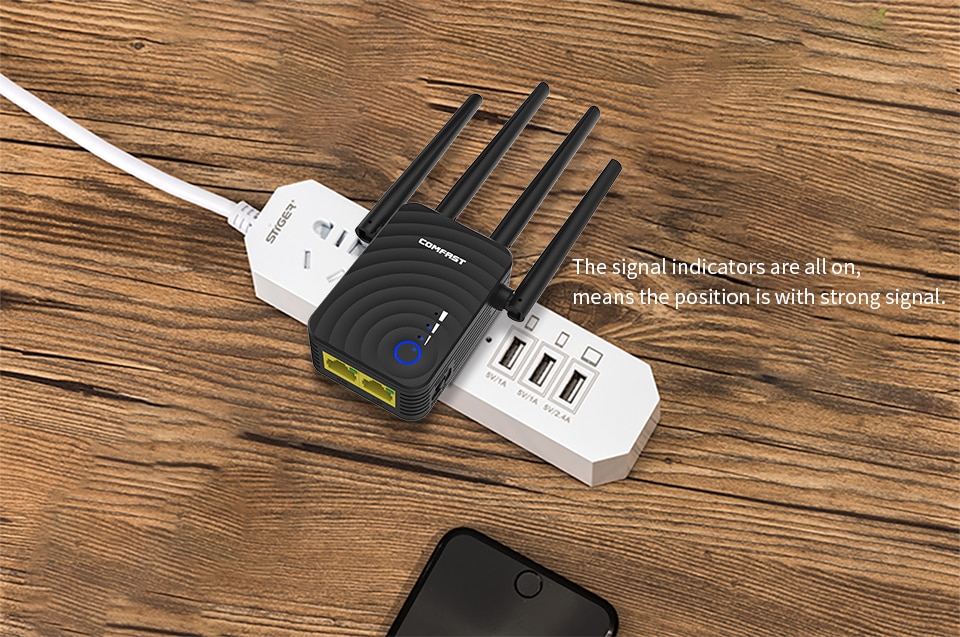
3. LED indicator: share the working status of the device at any time
Four RJ-45 Ethernet ports - Share two 10/100 Mbps Ethernet LAN / WAN ports for a variety of options.
5 Supports both 2.4G and 5G wireless network connections with a transmission speed of 867Mbps.
A variety of functions:
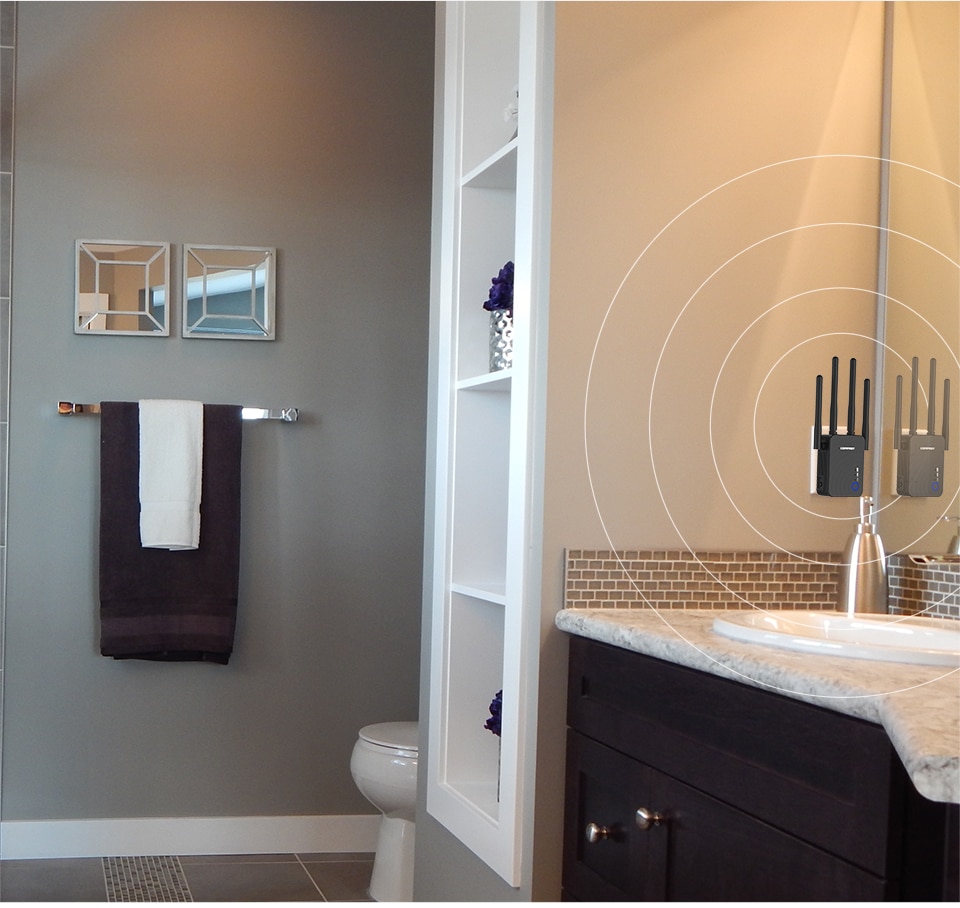
WiFi range extender (repeater) - Extends WiFi coverage of existing wireless networks
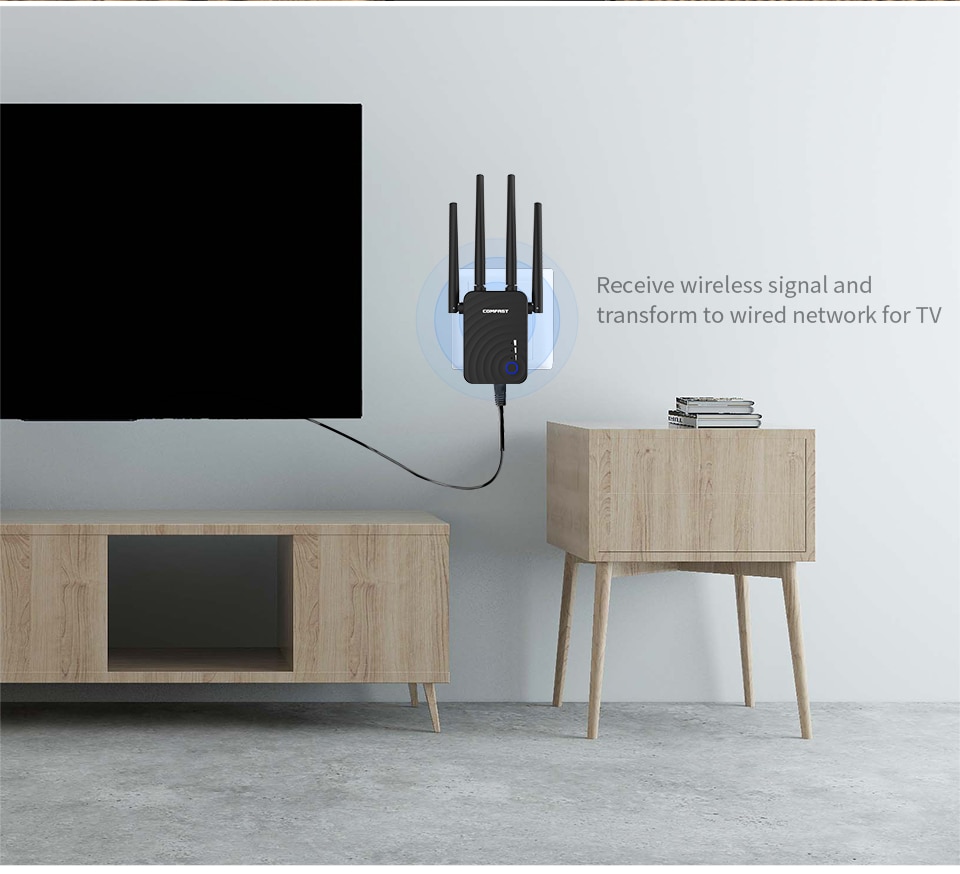
Wireless access point: covering wired network to wireless network
Wireless Router - Create an AC1200 Instant Private Wireless Network
System Requirements:
100~240v bull plug
The Bull WLAN client must support at least the WPA encryption standard.
Bull WLAN access point and WLAN client with automatic IP address allocation (DHCP)
Torus transmission/address resolution protocol based on IPv4 protocol
The network name (SSID) of the WLAN access point must be set to "visible".
What's in the box?
1 AC1200 dual band wireless range extender
1x Quick Installation Guide
1x RJ-45 Ethernet cable
Tips:
Need to bring your own plug converter
1 You can configure the Wi-Fi extension mode of this device using a wireless device such as a smartphone or laptop!
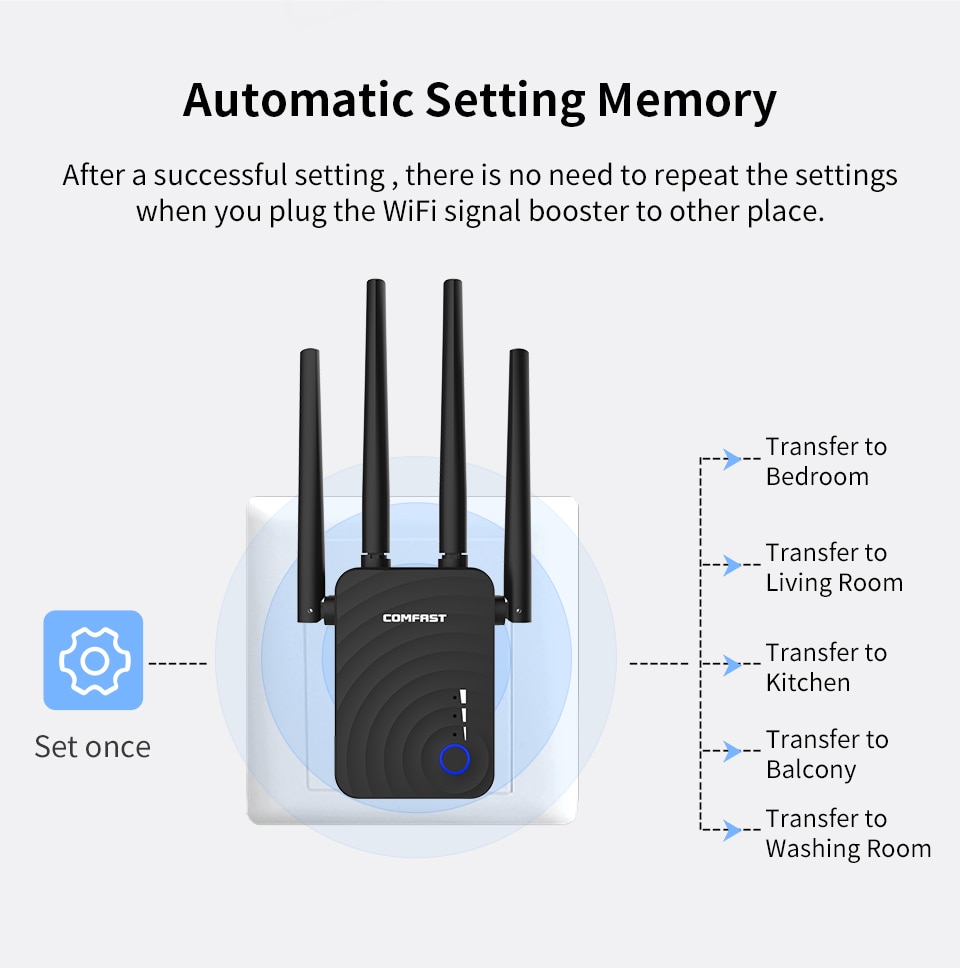
2, set the repeater mode correctly next to the router, and then move the repeater to another place, thus reducing the problem
3, WPS Description: Click the WPS Repeater button, then click the WPS button on the cordless phone, the phone automatically
使用可折疊標籤以獲取更多詳細信息,幫助客戶做出購買決定。
例如:運輸和退貨政策、尺寸指南和其他常見問題。